
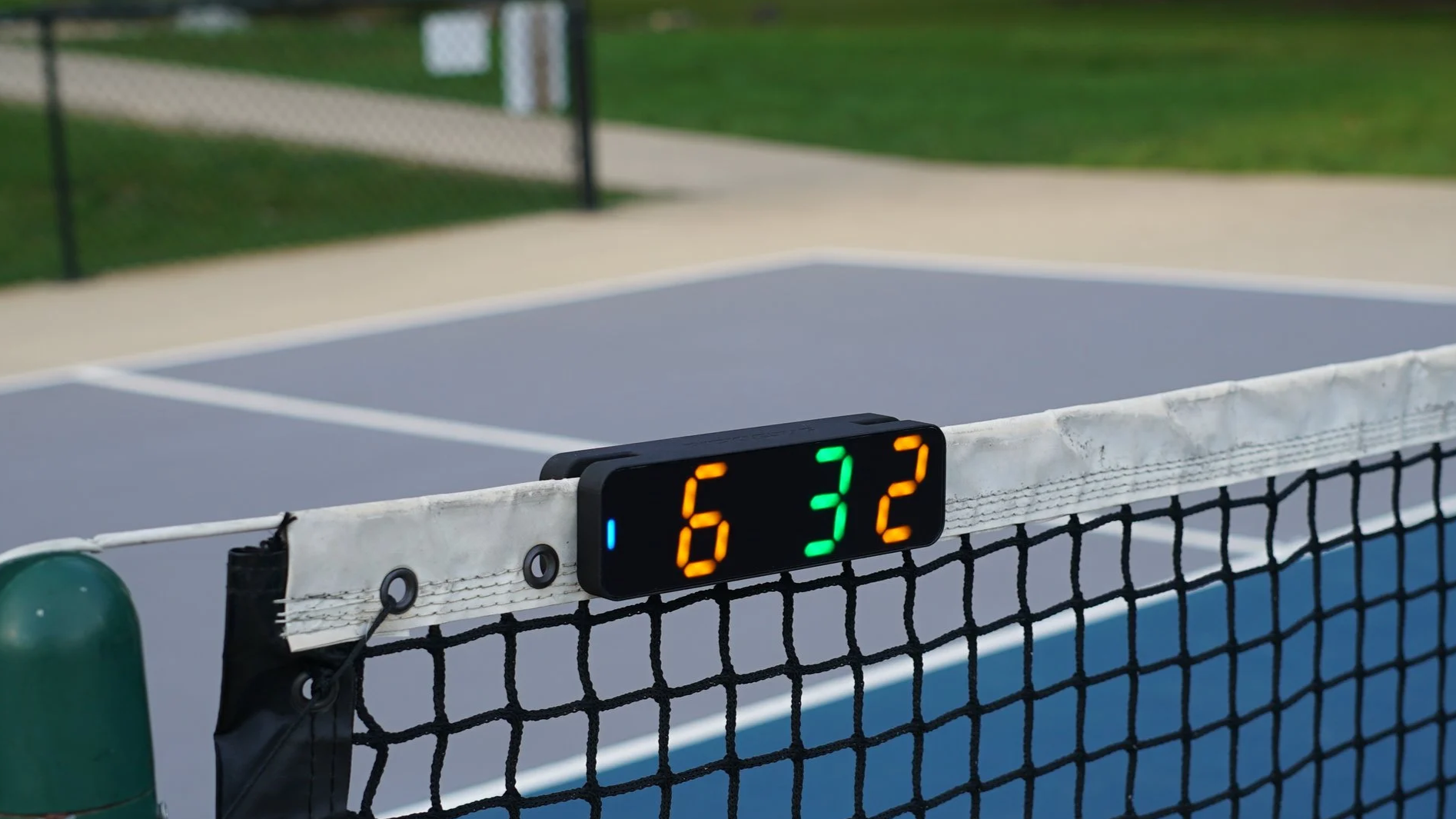
Pickleball scoring, made easy.
Pickleball scoring, made easy.
Get on the Waitlist
A double-sided scoreboard designed for Pickleball.
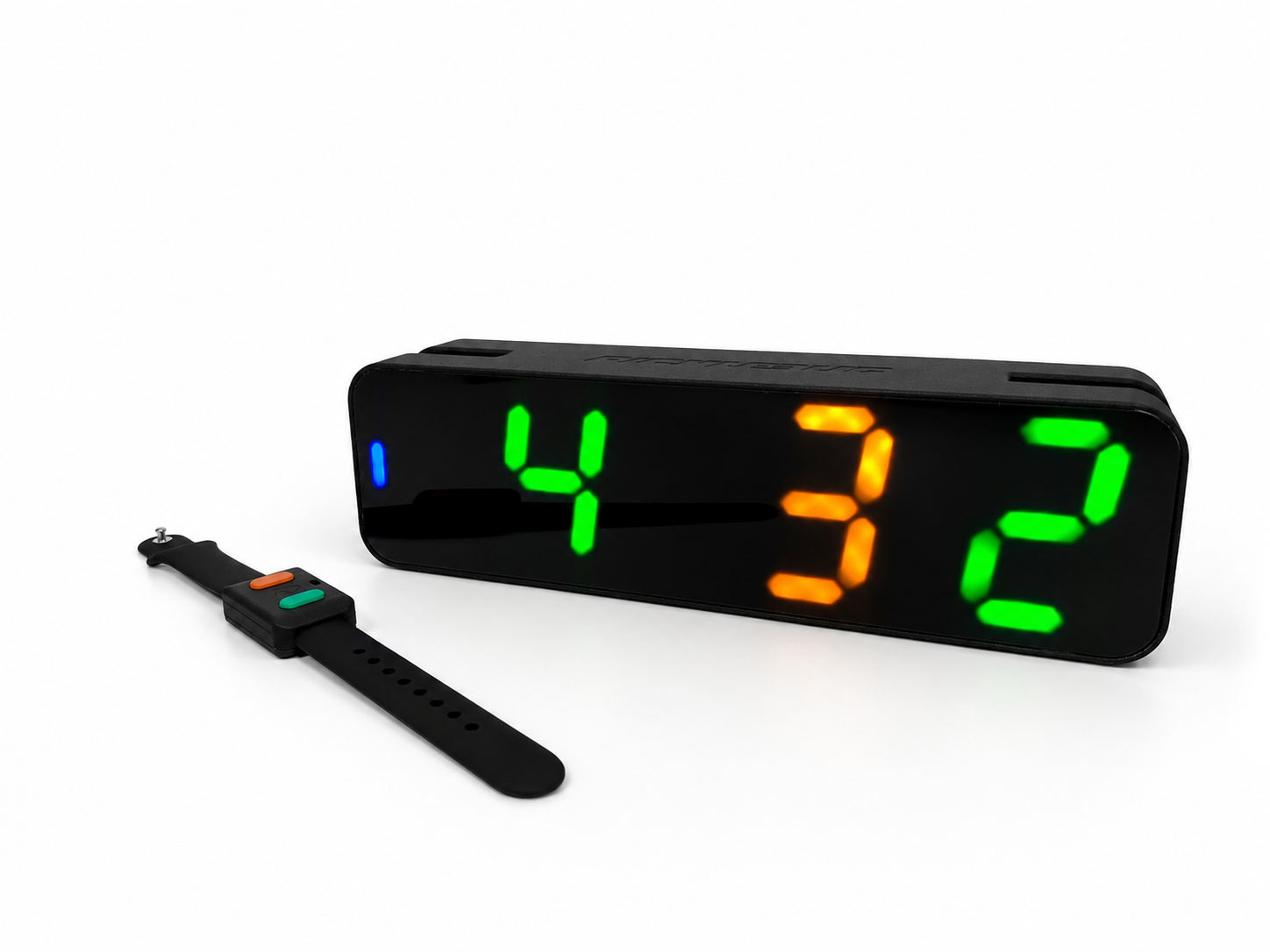
Easy to
read
use
setup
charge
Always displays the score in the correct order, exactly how you would say it.
Only two buttons - press the color of whichever team won the last rally. Picklebug knows how to update the score.
Picklebug makes keeping score easy.
-
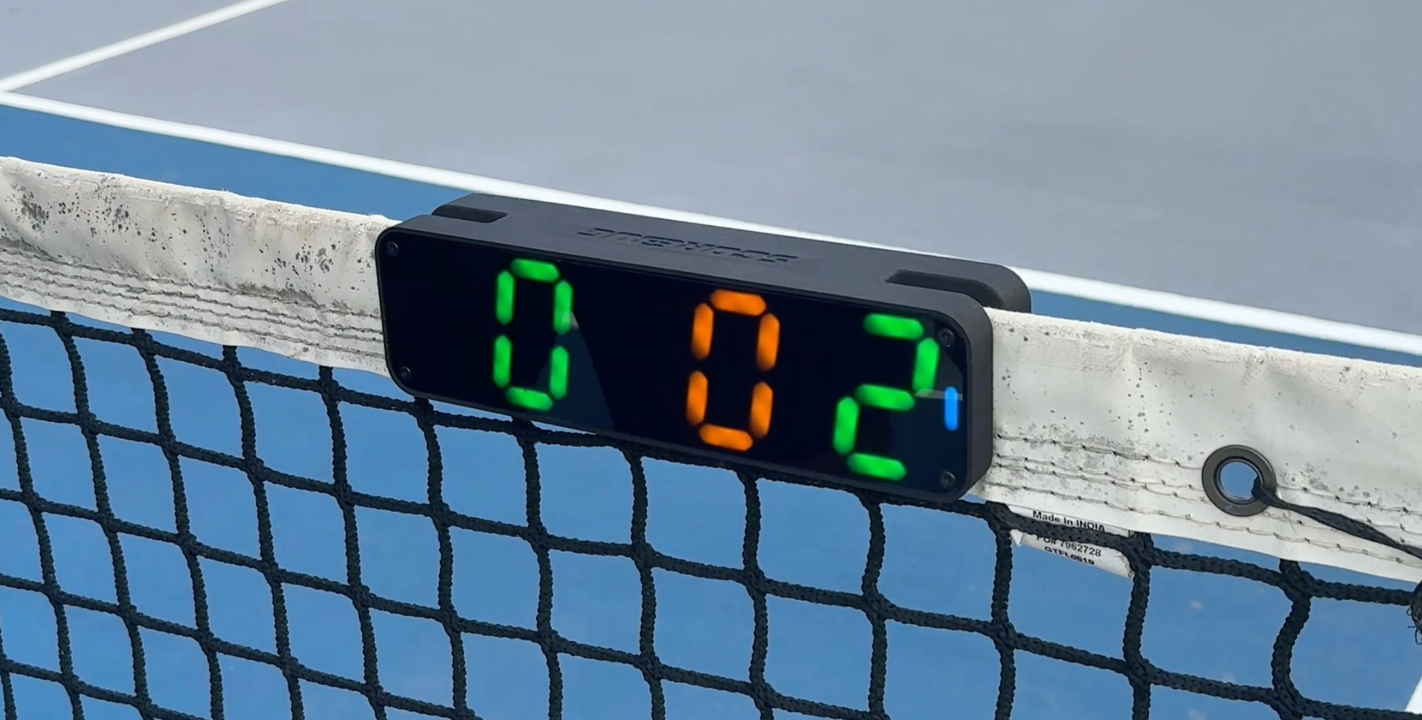
Mount the Scoreboard
Picklebug slides snugly over the net. Takes just a second to set up, and both sides have a perfect view of the score.
-
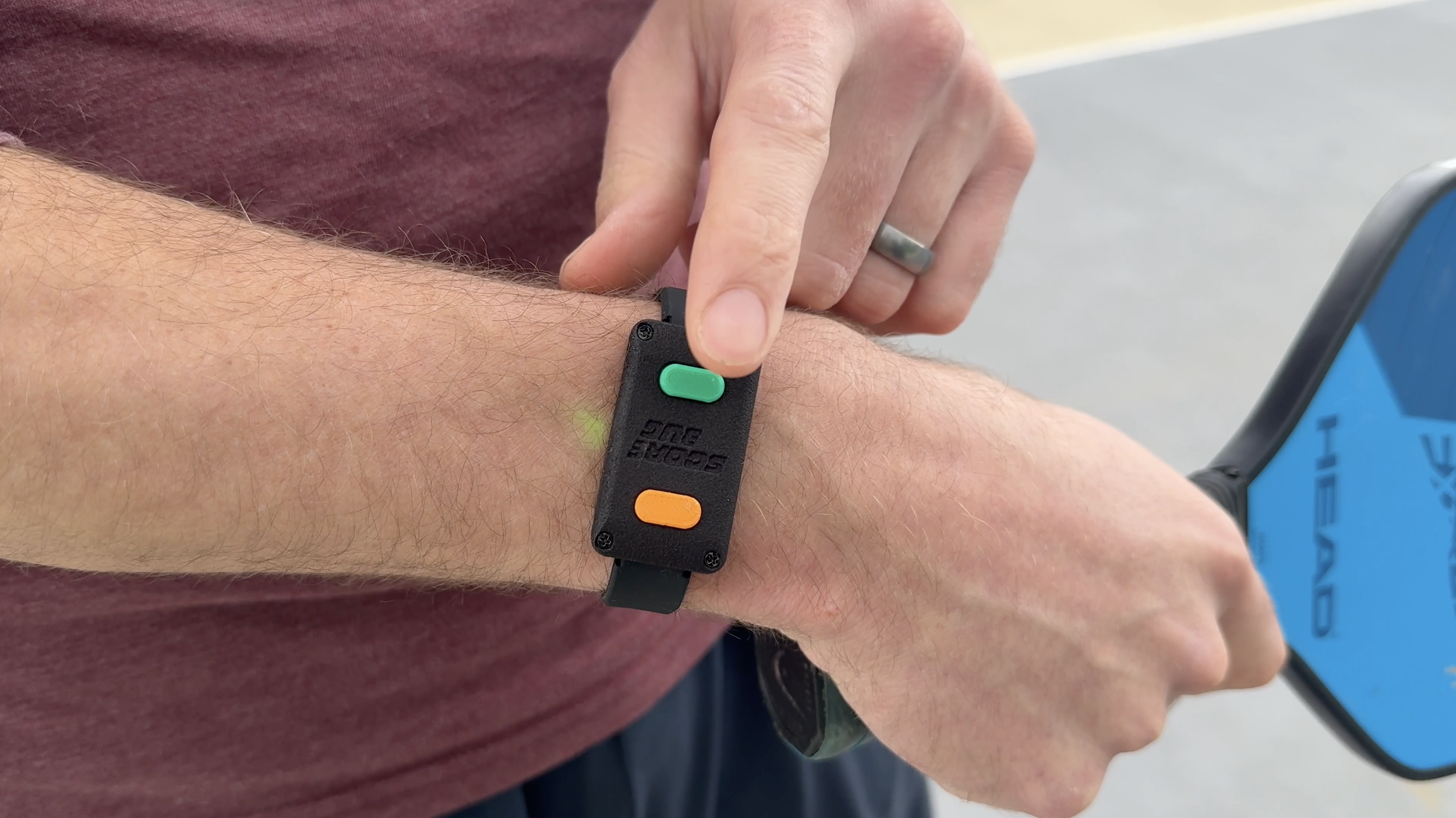
Tap the Wristband
After each rally, push the button of whichever team won that rally. Picklebug knows how to update the score, server number, and serve side.
-
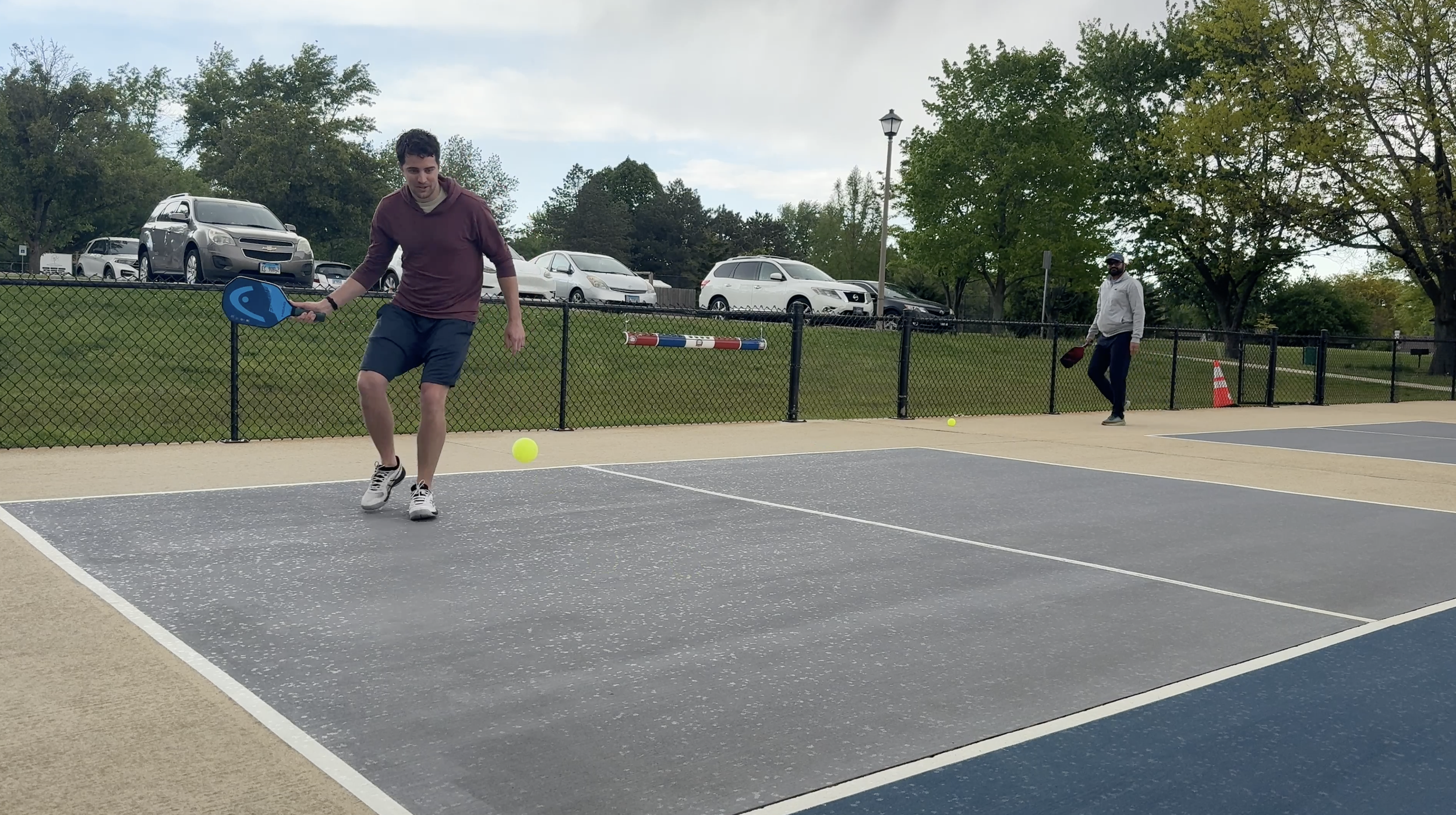
Play the Game
After just one game, using the wristband becomes second nature. No more having to remember the score or asking, “What are we at?” for the 12th time.
Picklebug Keeps Score For You
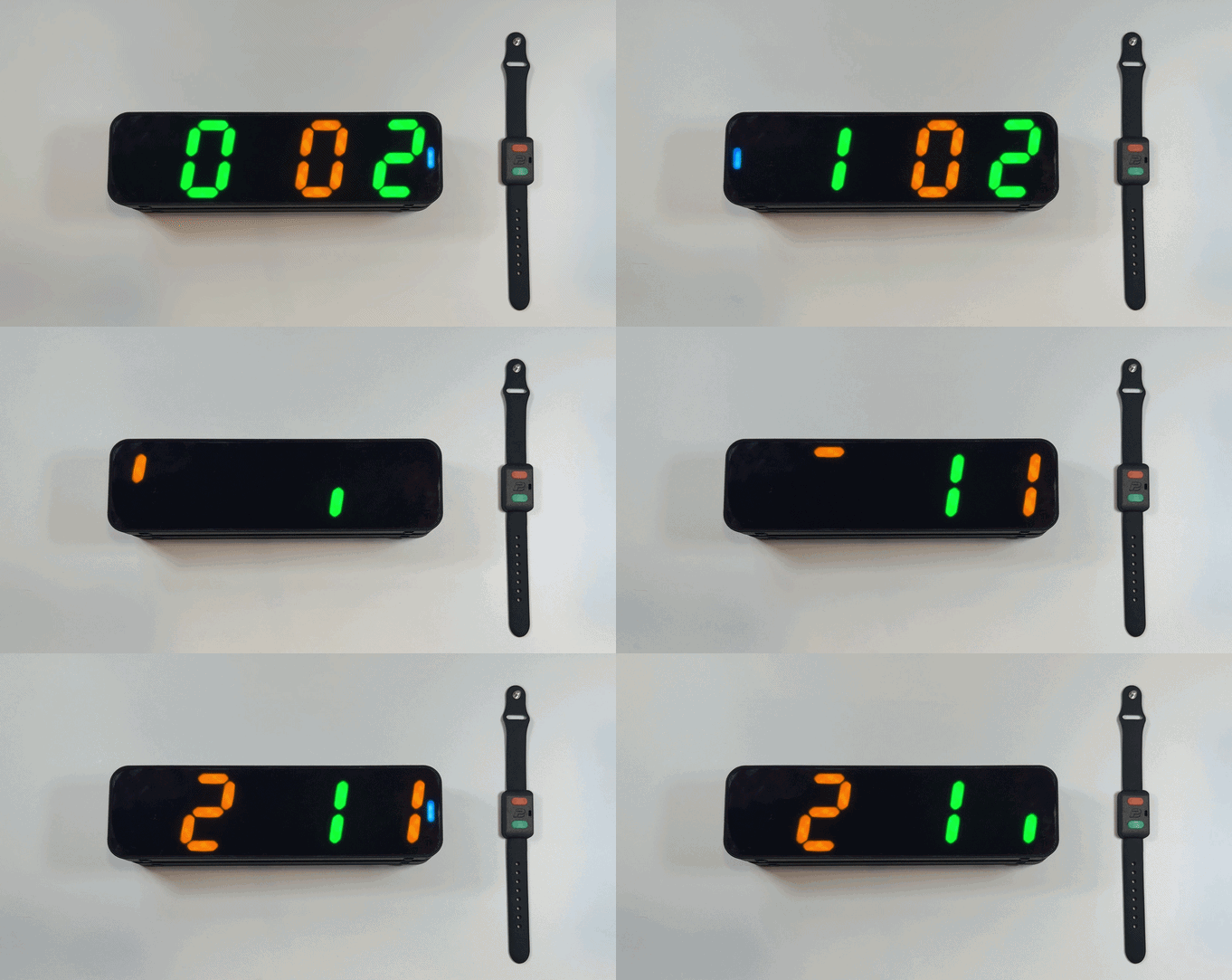
Why are there 3 numbers?
When playing doubles Pickleball, the scoreboard displays the server’s score, followed by the receiver’s score, and the server number last. It’s designed to display the score exactly how you would say it out loud before each serve.
When playing singles, the server number is not needed, so it will not be displayed at all.
Why are the colors changing spots?
One team is assigned green, and the other orange. When the green team is serving, Picklebug lists the green team’s score first, since that’s how you would say it normally.
When there is a side out and it’s the orange team’s turn to serve, the green and orange scores switch positions, so the orange score is listed first.
The server number is always displayed in the color of whichever team is serving.
FAQs
-
Both the scoreboard and wristband have rechargeable batteries that last 8 hours per charge.
-
When mounted on the net, Picklebug only extends 8 mm above the net. And when placed towards the edge of the net, it’s extremely unlikely for a ball to hit it in that particular spot.
-
Picklebug will slide snugly over the majority of nets. If you’re using a lightweight or temporary net, it might be better to place the scoreboard on the ground underneath or to the side of the net.
-
The Picklebug system includes:
the double-sided scoreboard
wristband controller
carrying case
USB-C charging cable
-
Our wristband is unique in that you don’t have to worry about pairing or connecting it to the scoreboard. Simply turn it on and it’s ready to work immediately, and will only communicate with your scoreboard. No waiting for dropped connections.
-
Yes, you can purchase additional wristbands and connect them to a single scoreboard. That way players can each be responsible for their own score if you’d like.